Available now
Windows
Complete ZIP package for Windows x64. Extract all files, then run the program from the extracted folder with its accompanying files.
Arabic reading
Read, listen and practise at your own pace.
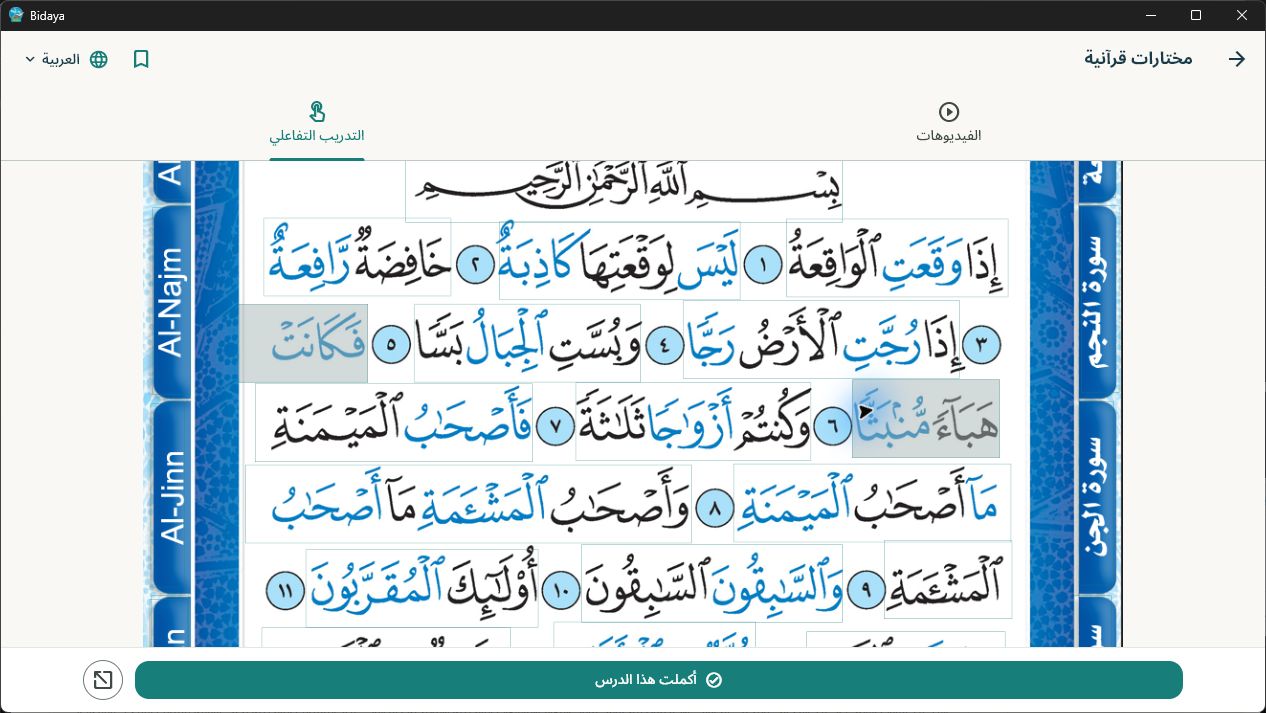
Learn to read Arabic with the Bidaya method, from letters and words to Quranic verses. Open a lesson and tap a letter, word or passage to hear its recording, then practise with your teacher. The app contains 13 sections, 44 learning items, 64 pages, 2,063 sound targets and 75 selected videos without duplicates, all stored locally for offline use.
Windows x64 is available to download. Android and iOS are in development.
Choose your version
Choose an available version below. Downloads are distributed directly by Nour El Islem; versions in development have no download link.
Complete ZIP package for Windows x64. Extract all files, then run the program from the extracted folder with its accompanying files.
This version is in development. A link will be added when it becomes publicly available.
This version is in development. A link will be added when it becomes publicly available.
 Opens in a new tab
 Opens in a new tab
Moving only the EXE will prevent the app from working correctly. Once extracted, lessons, audio and videos work offline.
The educational content, Bidaya name and logo remain the property of their respective owners. Method sources:
What the app offers
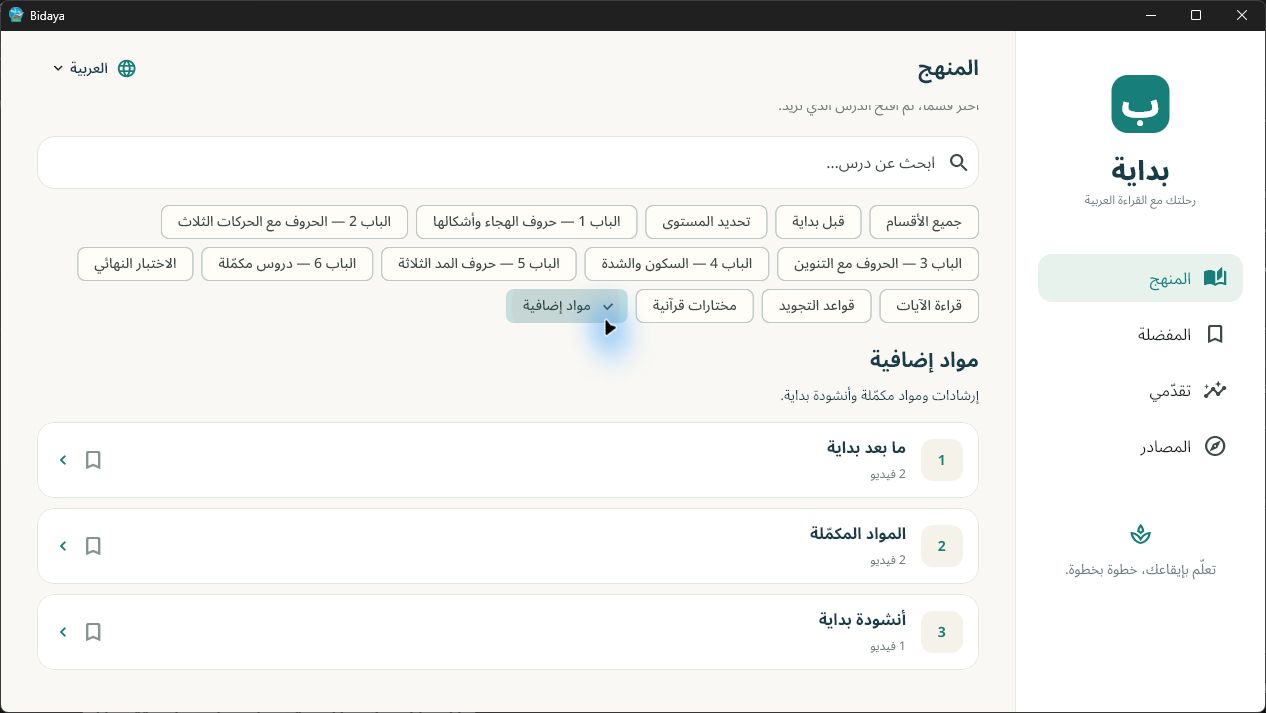
13 sections cover preparation for Bidaya, six chapters and their assessments, placement and final assessments, verses, tajweed, selections and supplementary resources.
Listen through 2,063 sound targets across 64 pages. Zoom with the mouse wheel or two fingers on a touchscreen, pan the page, return to the fitted view or open fullscreen; sound targets stay aligned with the page.
Lessons, images, audio and videos are bundled in the Windows package and work locally once extracted. Videos preserve their original proportions: show the whole image or zoom to fill the frame with cropped edges, both inline and in fullscreen.
Choose Arabic, French or English. Original recordings are in Arabic and English; French translates the interface and titles.
Switch between whole-word reading and spelling in lessons 3, 4 and 5, and use a listening exercise with local answer checking. A teacher assesses pronunciation and recitation; the app does not record or score the learner’s voice.
Keep progress, favourites, your last lesson and listening results locally, with no Bidaya account, advertising or usage analytics.
Part of the ecosystem